Where it started.
Each campus had its own email, file shares and accounts. Lecturers used personal tools, former students kept their access and classroom computers were unmanaged.
The challenge
Move everyone before the new academic year, protect access without making students’ lives harder, and get the new tools genuinely adopted.
- Migration completed before the start of term.
- Accounts created and removed in line with enrolments.
- 400 shared computers to manage.
- Real adoption by lecturers, not just accounts created.
What we built.
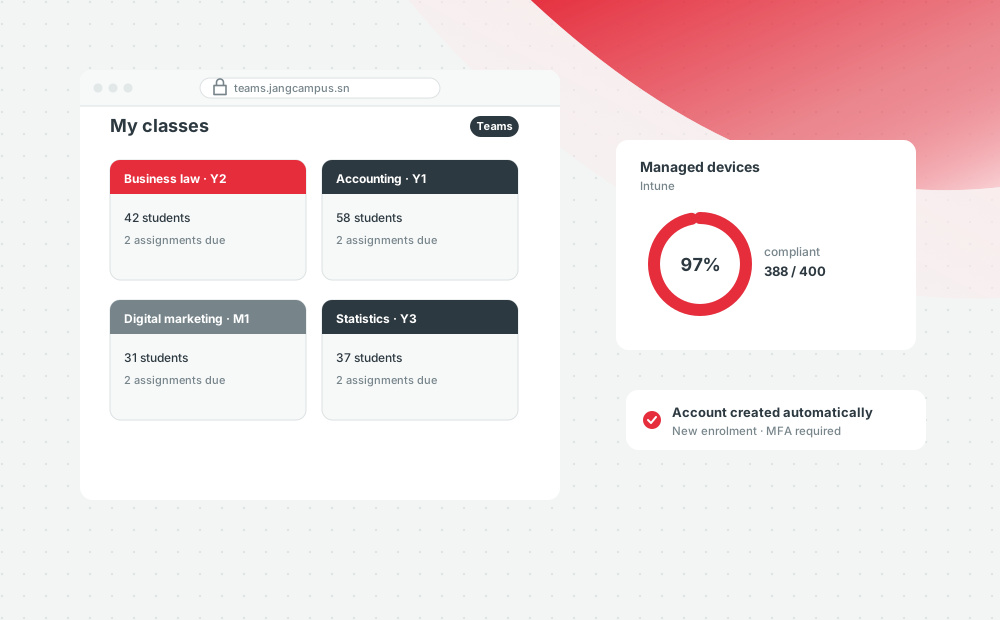
A single Microsoft 365 tenant, with Entra ID identities linked to the enrolment system, Teams and SharePoint organized by program, Intune for devices, and an adoption program led with lecturer champions.
- Email and file migration for all three campuses.
- Accounts created and disabled automatically from enrolments.
- Multi-factor authentication and conditional access.
- Intune for the 400 classroom and staff computers.
- One Teams team per course and 20 lecturer champions.
How the project ran.
- 01
Scoping. Inventory of accounts, data and usage, campus by campus.
- 02
Foundations. Identity, access security and the Teams and SharePoint structure.
- 03
Migration. Three waves, one per campus, outside teaching hours.
- 04
Adoption. Workshops, lecturer champions and usage tracking for six weeks.
What changed.
Indicators tracked after launch.
4,000
accounts migrated with no email lost
98%
of accounts protected by multi-factor authentication
85%
of courses active on Teams after one month
What made the difference
The lecturer champions. They trained colleagues in their own words and raised friction points before they became blockers.
Technologies
Exchange Online · Teams · SharePoint · Entra ID · Intune